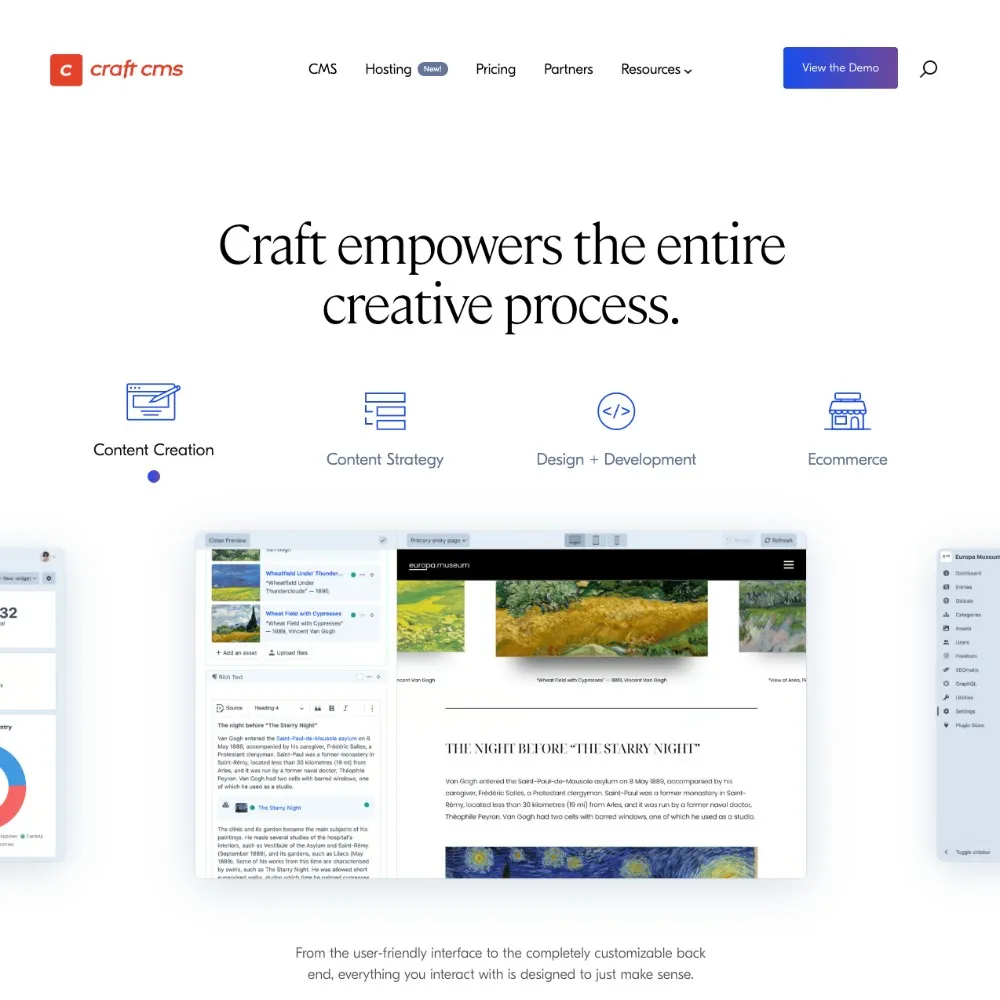
If you’re using Craft CMS, or considering it for your next website, one of the biggest advantages is its flexibility.
But knowing which plugins to use can make a huge difference to performance, SEO and long-term maintainability.
At Bramble, we’ve worked on a wide range of Craft CMS projects, from charity websites and ecommerce builds to complex integrations and content-heavy platforms. Over time, we’ve refined our setup to a small number of trusted plugins we use on almost every project.
These are the best Craft CMS plugins we rely on, and why we use them.
SEOmatic
When it comes to Craft CMS SEO, SEOmatic (opens in new tab) is our go-to plugin.
It handles the technical side of SEO automatically, making sure every page has the right metadata, structured data and indexing rules in place.
For most websites, this removes the need for manual SEO setup across templates.
Why we use it
- Automates technical SEO across your Craft CMS website
- Generates meta titles, descriptions and canonical URLs
- Adds structured data (schema) for better search visibility
- Handles Open Graph and social sharing
Pricing
- $99 per licence
- $49/year for updates
If you’re serious about search performance, this is essential.
Formie
Forms are often one of the most important parts of a website, especially for lead generation.
Formie (opens in new tab) is one of the best Craft CMS form plugins available, giving you complete flexibility without needing custom development for every form.
Why we use it
- Easy for clients to manage within Craft CMS
- Supports complex forms with conditional logic
- Integrates with CRMs, email platforms and webhooks
- Built-in spam protection and validation
Pricing
- $99 per licence
- $49/year renewal
For us, this replaces a huge amount of custom form development.
Retour
When redesigning or migrating a website, redirects are critical for protecting SEO.
Retour (opens in new tab) is one of the most reliable Craft CMS plugins for managing redirects and monitoring 404 errors.
Why we use it
- Manage 301 and 302 redirects directly in Craft CMS
- Track 404 errors and fix broken links quickly
- Use dynamic rules for large-scale URL changes
- Protect SEO rankings during site migrations
Pricing
- $59 per licence
We use this on every Craft CMS rebuild to ensure nothing is lost when URLs change.
Bramble Search
As a Craft CMS agency, we often work on larger, content-heavy websites where search becomes a key feature.
We found that Craft’s default search wasn’t always enough for these use cases, so we built our own plugin (opens in new tab).
Why we built it
- Default Craft CMS search can struggle on larger sites
- Clients needed faster, more accurate results
- We wanted more control over indexing and relevance
What it does
- Improves search performance and speed
- Delivers more relevant search results
- Scales better for large content structures
- Gives developers more control over search behaviour
Pricing
- $59 per licence
We’re seeing this become increasingly useful for:
- knowledge hubs
- resource libraries
- large content-driven websites
OpenAI Alt Text Generator
Accessibility is a core part of how we build websites, and alt text plays a big role in that.
Writing good alt text across an entire website can be time-consuming, especially for content-heavy sites with lots of imagery. This is where the OpenAI Alt Text Generator plugin (opens in new tab) can really help.
It uses AI to generate descriptive alt text for images, giving content editors a strong starting point that can then be refined if needed.
Why we use it
- Speeds up the process of adding alt text across large websites
- Helps ensure images are not left without descriptions
- Supports better accessibility for screen reader users
- Improves SEO by adding meaningful image descriptions
When we use it
- Content-heavy websites with lots of imagery
- Projects where teams are managing content themselves
- Accessibility-focused builds where consistency is important
Important note
AI-generated alt text isn’t perfect, and we always recommend reviewing and refining it where needed.
But as a starting point, it’s incredibly useful and helps ensure accessibility is not overlooked.
Why choosing the right Craft CMS plugins matters
One of the most common mistakes we see is overloading Craft CMS with unnecessary plugins.
While there are hundreds available, more plugins do not mean a better website.
A carefully selected plugin stack helps:
- improve website performance
- reduce security risks
- make ongoing maintenance easier
- give clients a better editing experience
Our default setup focuses on four key areas:
- SEO
- forms
- redirects
- search
Everything else is built specifically around the needs of the project.
Looking for a Craft CMS agency?
If you’re planning a new website or looking to improve your existing one, choosing the right plugins is just one part of the picture.
At Bramble, we design and develop high-performing Craft CMS websites that are fast, accessible and built to last.
Whether you need a full rebuild, ongoing support or help scaling your site, we’d love to help.